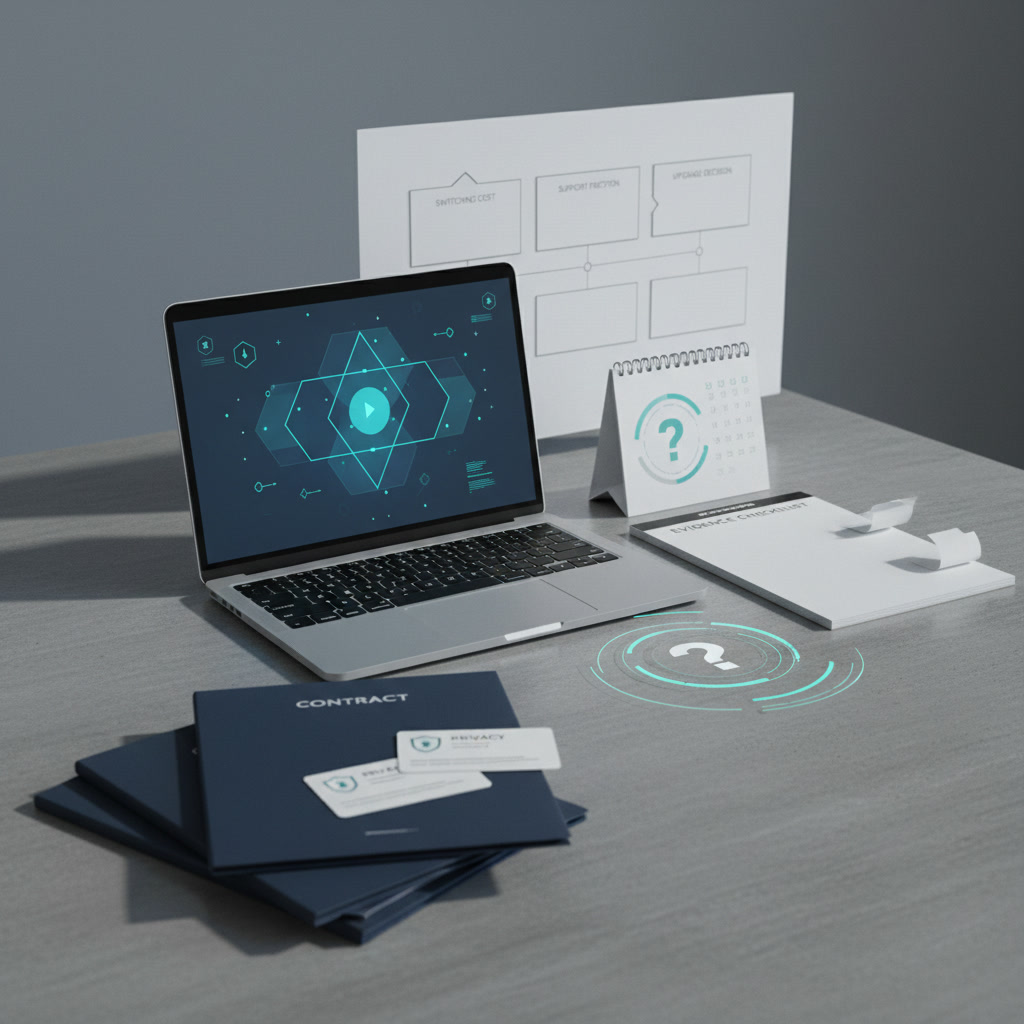
AI Note Taker Privacy Review
AI meeting assistants ingest your most sensitive internal conversations. Here is the evidence checklist to evaluate data retention and LLM training risks.
Meeting assistants ingest raw, unstructured corporate dialogue. By definition, deploying software to record, transcribe, and summarize internal conversations means a third-party vendor is processing your strategic planning, human resources disputes, and confidential client negotiations. The purpose of this review is to provide a concrete framework for evaluating the privacy policies of these tools before you authorize them for corporate use. Relying on a landing page that promises data security is insufficient for software with this level of administrative access.
Buyers evaluating tools like Otter, Fathom, Read, or Fireflies need to look past transcription accuracy and focus entirely on data custody. The primary risks involve vendors using your internal meetings to train their language models, default sharing settings exposing sensitive transcripts to the entire organization, and third-party sub-processors retaining audio files indefinitely. This checklist outlines exactly which contract terms, administrative controls, and retention policies you must verify during procurement to avoid long-term security liabilities.
The Core Vulnerability of Meeting Transcription
To understand the privacy risks, you must map the data custody pipeline. When a meeting assistant joins a call, the data passes through multiple distinct phases, each carrying its own security footprint. First, the audio is captured and routed to a transcription engine. Second, that raw text is sent via API to a large language model to produce summaries and action items. Finally, the audio, transcript, and summary are stored in a database for user retrieval.
A vulnerability at any of these three stages compromises the entire system. A vendor might have strict storage security but use a third-party transcription service that logs audio snippets for quality assurance. Alternatively, the vendor might offer secure transcription but route the text to an external language model without a zero-data-retention agreement in place. Evaluating these tools requires auditing the entire chain of custody, not just the final storage destination.
Evidence Checklist: Auditing Vendor Privacy Policies
Do not accept vague assurances about encryption or compliance standards. You need specific, documented answers regarding how your data is handled. Use this checklist when reviewing vendor documentation and master service agreements.
1. Model Training and Data Ingestion
The most critical question is whether the vendor uses your meeting transcripts to train their own artificial intelligence models. Consumer and free-tier accounts almost universally default to allowing data ingestion for model training. If you are using a free version of a popular note taker, you are paying with your corporate data.
- Look for explicit opt-outs: The vendor must explicitly state in their enterprise agreement that customer data is never used to train, retrain, or improve their models.
- Verify default settings: If an opt-out exists, check if it is applied by default or if the system administrator must manually toggle it off for every new user.
- Check for anonymization loopholes: Some vendors claim they only train on anonymized data. In unstructured conversational text, true anonymization is nearly impossible. Reject vendors that rely on anonymization clauses rather than strict non-usage clauses.
2. Third-Party Sub-Processor Routing
Most meeting assistants are wrappers. They do not build their own language models; they send your transcripts to external providers like OpenAI, Anthropic, or specialized transcription services like Deepgram. You are not just trusting the note-taking application; you are trusting their entire sub-processor list.
- Demand the sub-processor list: Vendors must provide a transparent list of every external API that touches your data.
- Verify API data agreements: Ensure the vendor is using enterprise-grade APIs with zero-data-retention policies. Consumer-facing models often retain prompts for 30 days, but enterprise API contracts should guarantee that data is discarded immediately after the summary is generated.
3. Retention Policies and Deletion Friction
Corporate data should not live on a third-party server longer than necessary. If an employee leaves the company, or if you cancel your contract, you need absolute certainty that historical meeting data is purged.
- Automated retention limits: The software should allow administrators to set strict retention policies, such as automatically deleting all audio files after 14 days and all transcripts after 90 days.
- Account deletion protocols: Verify what happens when a user seat is deactivated. Does the data transfer to the administrator, or does it sit in an orphaned state on the vendor servers?
- Hard deletion timelines: Check the master service agreement for hard deletion guarantees. When you press delete, the vendor should guarantee the removal of data from all active databases and secondary backups within a specific timeframe, typically 30 to 60 days.
4. Bulk Export and Switching Costs
Vendor lock-in is a significant risk in this category. If you decide to migrate to a different platform, you need the ability to take your historical meeting notes with you. High switching costs occur when vendors make it administratively difficult to export your data.
- Format availability: Check if the platform allows bulk exports in structured formats like JSON or CSV. Many vendors restrict bulk export to expensive enterprise tiers, leaving mid-market customers stranded.
- Export limitations: Avoid vendors that only allow single-meeting PDF exports. This creates an artificial migration burden, forcing you to manually download hundreds of individual files if you choose to cancel your subscription.
Internal Access Controls and Shadow IT
External data breaches are rare compared to internal data exposure. The most common privacy failure with meeting assistants is improper internal access controls. Many tools are designed for viral growth, meaning their default settings encourage sharing notes as widely as possible.
If an employee connects their calendar to an automated note taker, the bot may join every scheduled call, including highly sensitive one-on-one performance reviews or disciplinary meetings. If the default workspace setting is public, that transcript is immediately searchable by anyone in the company.
To mitigate this, enterprise buyers must require centralized administrative controls. IT departments need the ability to force private-by-default settings across all user accounts. Furthermore, companies must actively monitor for shadow IT. If individual employees are purchasing $15 monthly subscriptions on corporate credit cards, the company has zero administrative oversight over that data, creating massive compliance liabilities.
Recording Consent and Legal Friction
Recording internal and external calls carries strict legal obligations, particularly in jurisdictions requiring two-party consent. A meeting assistant must clearly and unambiguously announce its presence to all participants.
Evaluate how the vendor handles zero-party consent. The bot should appear in the participant list with a clear, identifiable name. Some tools offer features that allow the bot to join silently or disguise itself as a standard user. These features are immense legal liabilities and should be strictly disabled at the administrative level. Additionally, the platform should provide a clear mechanism for external guests to pause or stop the recording without needing the host to navigate complex menus.
When Not to Buy or Deploy Meeting Assistants
Not every organization should adopt automated meeting transcription. The productivity gains do not always outweigh the security liabilities. You should skip deploying these tools under the following conditions:
- Highly Regulated Environments: If your organization handles protected health information, financial trading data, or classified government contracts, standard SaaS note takers introduce unacceptable compliance risks. Even if a vendor claims compliance, the audit burden of verifying their sub-processors is rarely worth the investment.
- Mergers, Acquisitions, and Legal Counsel: Board meetings, M&A strategy sessions, and conversations involving legal counsel should never be processed by third-party transcription tools. The risk of exposing privileged information or creating discoverable records of sensitive negotiations is too high.
- Unmanaged BYOD Workplaces: If your company lacks the IT infrastructure to enforce centralized software provisioning, do not purchase enterprise licenses. In environments where employees use personal devices and manage their own software stacks, introducing a corporate note taker often results in a fragmented, unsecure deployment.
Frequently Asked Questions
Does SOC 2 compliance guarantee that a vendor will not read my transcripts?
No. SOC 2 Type II compliance indicates that a company has established and followed specific security protocols, such as access logging and encryption. It does not dictate the business terms of their contract. A vendor can be fully SOC 2 compliant and still legally retain the right to use your transcripts for model training, provided they disclose it in their terms of service.
Are enterprise tiers legally different from free accounts regarding privacy?
Yes. The business model for free and individual tiers often relies on using customer data to train language models and improve transcription accuracy. Enterprise tiers usually operate under entirely different master service agreements that explicitly prohibit data ingestion for training purposes. You must verify this distinction during the procurement process.
Can an organization self-host meeting transcription to avoid these risks?
Self-hosting is possible using open-source transcription models, but it requires significant engineering resources. While self-hosting eliminates third-party data custody risks, it strips away the user-friendly interfaces, calendar integrations, and automated sharing features that make commercial SaaS products appealing to employees. For most businesses, the maintenance burden of self-hosting outweighs the benefits.
AI Writing Tool Limits Before You Subscribe
Before you pay for an AI writing subscription, check the hidden usage limits, data privacy clauses, and contract terms that trap businesses.
Meeting Summary Apps: Useful or Risky
Meeting assistants promise to eliminate note-taking, but they introduce severe data privacy and compliance risks. Here is our checklist to evaluate them.

AI Research Assistant Buying Guide
Evaluate AI research tools on citation accuracy, data privacy, and workflow integration. Learn which platforms justify enterprise contracts and who to skip.

Customer Support Chatbot Decision Notes
Comparing support chatbots requires looking past the marketing. We analyze integration costs, data privacy, and the reality of human handoffs.

Image Generator Subscription Trade-offs
Compare the hidden costs, usage limits, and copyright risks of Midjourney, DALL-E, and Adobe Firefly before locking into a paid commercial subscription.
AI Coding Assistant Fit Checklist
Evaluate AI coding assistants with this risk checklist. We cover data privacy, vendor lock-in, integration friction, and when engineering teams should pass.